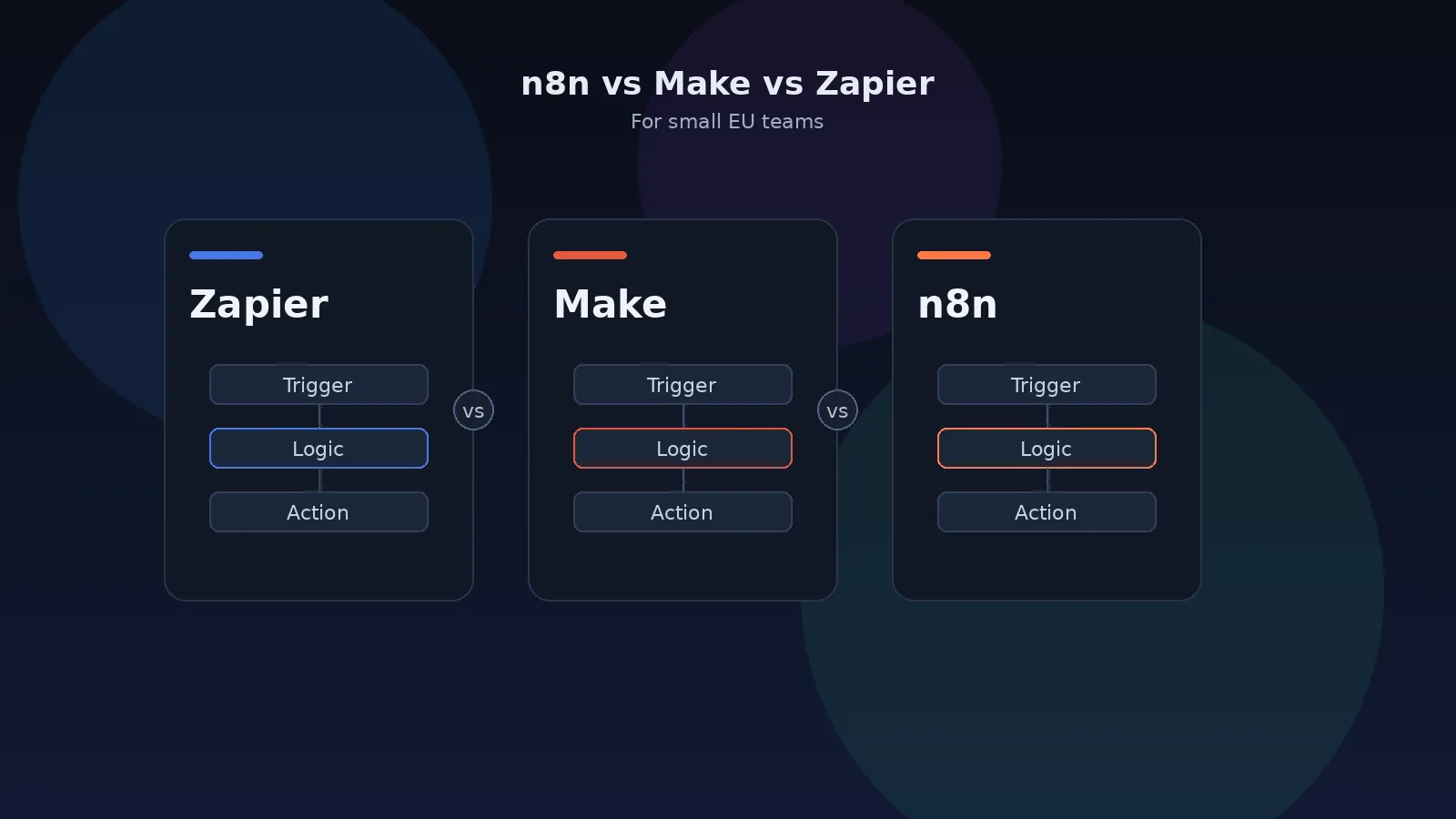
Need a clear pick between n8n, Make and Zapier? This comparison is for Dutch and EU small teams. It covers what each tool is, how they bill (tasks vs credits vs executions), a public price snapshot checked on 5 November 2026, data/GDPR, and a simple chooser. It is not a migration walkthrough — that lives in the Zapier to n8n self-hosted guide.
I build automation for small businesses from Apeldoorn, in the Netherlands. Most of the conversations start the same way: “We are on Zapier (or Make). The bill is climbing. Should we move to n8n?” The honest answer is not always yes. Each product is good at a different job. This article is the decision framework I use before anyone touches a server.
Who this comparison is for
You will get the most from this if you are a Dutch or EU team of roughly 5 to 50 people, you already automate a few workflows, and you care about both cost and where personal data goes. Typical triggers: a rising Zapier or Make invoice, a GDPR questionnaire from a client, or a workflow that has grown into Paths, routers and code steps that are hard to debug.
This comparison does not matter much if you run two simple two-step flows, stay inside a free or entry tier, and nobody on the team wants to own infrastructure. In that case stay where you are. Migration and hosting are also costs.
What each tool actually is
Zapier
Zapier is the default cloud automation product for many teams. You build “Zaps” in a guided editor, connect a large ready-made app catalogue (Zapier markets thousands of apps), and Zapier runs the servers. You do not patch Docker, rotate disks or babysit HTTPS certificates. That convenience is the product. The trade-off is that you rent the logic that moves your leads, invoices and tickets, and you pay per successful action step as volume grows. Data typically flows through Zapier’s cloud, which is US-based for most customers.
Make (formerly Integromat)
Make is also a vendor-run cloud. Its editor is more visual than Zapier’s classic step list: scenarios look like a canvas of modules, routers and iterators. Make bills by credits (the billing unit that replaced the older “operations” label). Most module actions consume one credit; some AI-related features consume more. You still do not host anything, and data residency is Make’s, not yours. Make often fits teams that outgrew Zapier’s editor but are not ready to run a server.
n8n
n8n is a visual workflow tool with a Code node when you need JavaScript or Python. The Community Edition can run on a server you control, with no per-execution fee to n8n for that edition. You still pay for the server, backups, updates and someone’s time. n8n also sells Cloud and paid self-hosted plans (SSO, Git environments, and similar). One execution is one full workflow run, however many steps it has — unlike a Zapier task. That model, plus EU self-hosting, is why many GDPR-sensitive teams look at n8n once volume climbs. Self-hosting is not set-and-forget.
How they bill: tasks vs credits vs executions
Prices change. Treat the numbers below as a snapshot from 5 November 2026. Always confirm on the live pages before you decide:
Zapier — tasks
A task is one successful action step. Triggers and many built-in tools (Filter, Formatter, Paths, Delay and similar) do not count; each “create row”, “send email” or “update contact” usually does. On 5 November 2026 Zapier’s public self-serve list (USD) included, among others:
- Free: 100 tasks/month, two-step Zaps.
- Professional, 2,000 tasks/month: $49/month billed annually, or $73.50 billed monthly.
- Professional, 10,000 tasks/month: $129/month billed annually, or $193.50 billed monthly.
- Team, 2,000 tasks/month: $69/month billed annually, or $103.50 billed monthly (up to 25 users).
If you exceed the task limit with pay-per-task enabled, Zapier can keep running and bill overage (the same page described 2.5× the base rate on monthly plans and 1.25× on annual plans). A five-step Zap that runs 1,000 times can mean several thousand tasks.
Make — credits
Make’s pricing page is interactive and, from this environment on 5 November 2026, sat behind a Cloudflare challenge, so I could not reliably read today’s dollar figures from the live page. I will not invent them. What the official materials do make clear:
- Billing is by credits (credits replaced the older “operations” name; for non-AI modules, one action is typically one credit).
- Free includes 1,000 credits/month, a visual builder and a 15-minute minimum interval between runs.
- Paid tiers are named Core, Pro, Teams and Enterprise, with credit bundles that scale up. Core adds unlimited active scenarios and finer scheduling; Pro and Teams add collaboration and operational features; Enterprise is custom.
Open make.com/en/pricing yourself for the euro or dollar amount that matches your credit slider. A multi-module scenario that processes many bundles can burn credits quickly even when the business event feels like “one run”.
n8n — executions
n8n prices Cloud and paid plans by monthly workflow executions. One execution is one full run, regardless of step count. On 5 November 2026 n8n’s public page listed (EUR, billed annually):
- Community Edition (self-hosted): no license fee for use inside your own business under n8n’s license; you pay the server and your time.
- Cloud Starter: €20/month billed annually.
- Cloud Pro: €50/month billed annually. n8n states hosted data is stored in the EU (Frankfurt).
- Business: €667/month billed annually, aimed at companies that need SSO, Git version control and multiple environments — most small teams do not.
The unit difference is the core of any cost model. A workflow with one trigger and four actions that runs 500 times a month is about 2,000 Zapier tasks, potentially many Make credits, and 500 n8n executions. Model your real runs before you switch. For a whole-stack view, not only automation, use the SaaS cost calculator.
Data, hosting and GDPR
No automation tool is “GDPR compliant” out of the box. Compliance is about your purposes, contracts, retention and access control. The tools differ in how much control they give you.
- Zapier: a US-centred SaaS for most customers. Personal data in Zaps is processed by Zapier as a processor. You need a lawful basis, a DPA where required, and a clear map of which fields leave the EU.
- Make: also a vendor cloud. You do not choose the rack. Treat Make as another processor in your records, with retention and access governed by their product settings and your agreement.
- Self-hosted n8n: workflow data, execution logs and credentials sit on a host you pick — for example a VPS in the Netherlands or Germany. You decide retention (including whether successful executions are saved at all). That does not finish your GDPR work, but it makes the story easier to document for a client or auditor.
- n8n Cloud: still n8n as host; their public pricing page says Cloud data is stored in Frankfurt. Useful if you want EU hosting without running Docker yourself.
Every connected CRM, mailbox or accounting tool remains a processor too. Moving automation off Zapier does not remove those responsibilities.
Complexity: visual builder vs code
Zapier is fastest when the happy path is linear and the apps have solid native actions. Paths and Code by Zapier exist, but long Zaps become hard to read. Make shines when you need routers, iterators and a canvas you can explain on a screen share. n8n sits between productised nodes and a developer tool: HTTP Request, Code, and custom nodes cover gaps that “no integration” would block elsewhere.
Pick the editor your team will actually maintain. A beautiful n8n workflow that only one contractor understands is worse than a boring Zap with a clear owner. If you already have someone comfortable with JSON, webhooks and a Linux box, n8n’s flexibility pays off quickly on complex flows.
A simple chooser
Pick Zapier if…
- Volume is low and you want the largest ready-made app catalogue.
- Nobody will own a server, backups or upgrades.
- You need a niche connector that Make or n8n does not cover well.
- Time-to-first-Zap matters more than unit economics.
Pick Make if…
- You want a more visual scenario canvas than Zapier, still with zero hosting.
- Your flows use routers, iterators or multi-bundle processing that feel awkward as a Zap list.
- Volume is moderate and a credit-based cloud bill is acceptable.
- You are fine with data residing in the vendor’s cloud.
Pick n8n if…
- Workflows are complex, or volume is climbing so task/credit maths hurts.
- Personal data should stay on an EU server you control (or on n8n Cloud in the EU).
- You need code, raw HTTP APIs or workflows as versioned JSON.
- Someone — in-house or a partner on a care plan — will maintain the instance. See n8n automation services (starting from, excl. BTW) or how I work as an n8n consultant in the Netherlands.
A mixed setup is normal: keep a small Zapier or Make plan for one awkward connector, and run high-volume or sensitive flows on n8n.
What a move actually involves
There is no trustworthy one-click import from Zapier or Make into n8n. Plan for inventory, rebuild, parallel testing and switch-over. At a high level:
- List every Zap or scenario: trigger, actions, filters, volume, personal data, owner.
- Delete unused flows. Many bills shrink here alone.
- If you self-host n8n: EU server, HTTPS, PostgreSQL for production, credential encryption key, backups, 2FA.
- Recreate credentials; rebuild workflows; add a shared error alert workflow.
- Run critical flows in parallel against a test sink, then cut over and watch the first real runs.
- After a quiet billing cycle, downgrade or cancel the old tool and export n8n workflows to version control.
For the Zapier path in detail — including cost notes and GDPR checks — use the dedicated guide: Migrate Zapier to self-hosted n8n. Make migrations follow the same shape. If you are in Gelderland, there is also a local overview on automation in Apeldoorn. For seat-heavy SaaS stacks around HubSpot and similar, see SaaS seat cost vs an owned stack. If you want a chat bot on top of your workflows, see Telegram bot for business: use cases, cost and setup.
Need a second pair of eyes on the chooser? Send one paragraph — trigger, system of record, what “done” looks like — via the contact form.
Frequently asked questions
What is the difference between a Zapier task, a Make credit and an n8n execution?
A Zapier task is one successful action step. A Make credit is usually one module action in a scenario (credits replaced the older “operations” label). An n8n execution is one full run of a workflow, however many steps it has. The same five-step flow that runs once can cost several Zapier tasks or Make credits, and one n8n execution.
Is n8n always cheaper than Zapier or Make?
No. Self-hosted n8n has no per-execution vendor fee, but you still pay for a server, backups and maintenance. At low volume, Zapier or Make is often cheaper in real euros because someone else runs the platform. The crossover appears when volume climbs or when data residency matters more than the subscription.
Which tool is best for GDPR?
None of them is “GDPR compliant” by itself. Compliance depends on your processing records, contracts and retention. Self-hosted n8n makes that easier to document because you choose the EU host and how long execution logs are kept. Zapier and Make are vendor clouds; you still need a lawful basis and a processor relationship with them.
When should a small Dutch team stay on Zapier or Make?
Stay when volume is low, nobody will own a server, or you need a ready-made connector that n8n does not cover well. Make is a strong middle ground if you want a more visual builder than Zapier and still do not want to host anything.
Can you migrate from Zapier or Make to n8n automatically?
There is no reliable one-click importer. Workflows are rebuilt. For a Zapier move I publish a separate step-by-step guide; Make migrations follow the same pattern: inventory, rebuild, parallel test, then switch.

Systems & Automation Specialist
Alec Asgari is a systems and automation specialist with experience in CRM implementation, workflow automation, and cross-functional process design. He writes about organizational strategy, technology, and operational execution.