
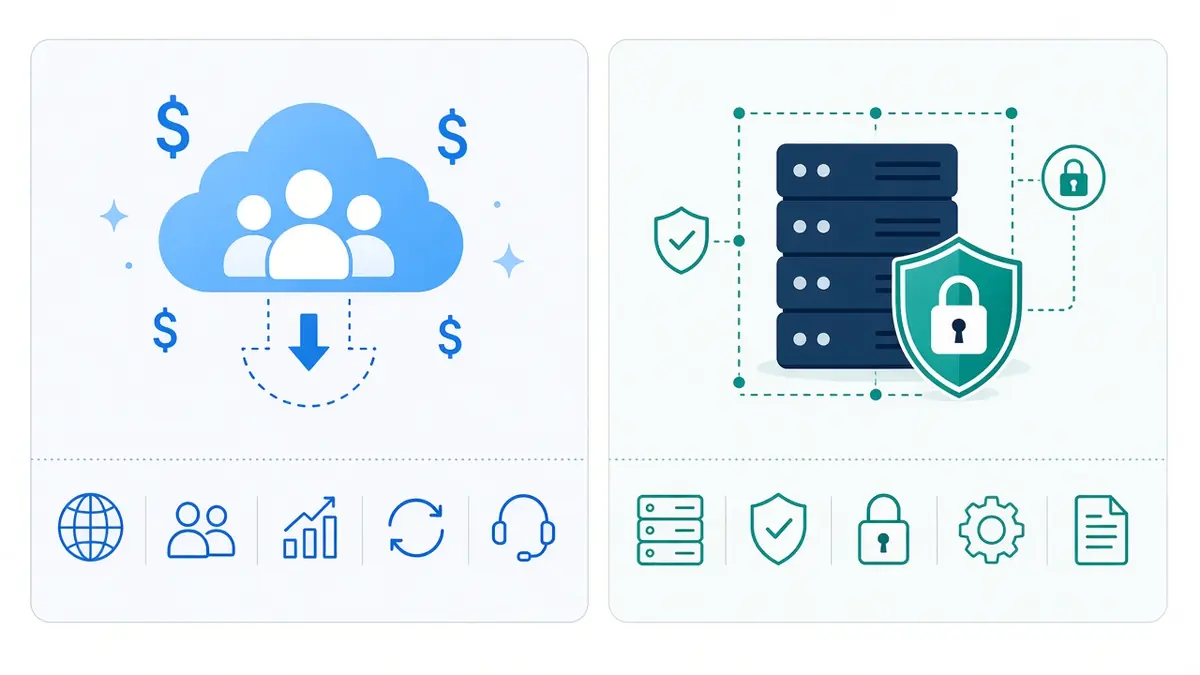
Self-hosted CRM vs cloud CRM is not a features contest. For a 5–20 person team it is a question of per-seat invoices, who holds the database, and whether anyone will patch the server after go-live. This is the week-three piece: SuiteCRM on infrastructure you control versus renting HubSpot, Salesforce, or Zoho.
If you already modeled SaaS seats, read HubSpot, Workspace, and Zapier cost for small teams first. If you are still deciding whether you need a CRM at all, use the best CRM for small business in 2026 guide and five signs you need a CRM now. The product path on this site is SuiteCRM inside a one-time Mailcow, Mautic, Nextcloud and n8n stack — check numbers on the SaaS cost calculator.
Cloud CRM vs on-premise CRM: what people actually mean
Cloud CRM means the vendor runs the app, ships updates, and bills you monthly — usually per user or per tier. You log in through a browser. Data lives in the vendor’s region unless you negotiate something else.
On-premise CRM (people still say this in 2026) usually means self-hosted: you run the software on a VPS, dedicated server, or your own hardware. SuiteCRM is the open-source option I implement for small teams: SugarCRM Community fork, GPL licensed, unlimited users in software terms.
Self-hosted CRM vs cloud CRM breaks down on four axes: cash flow, labor, compliance, and exit cost. Cloud wins on day-one convenience. Self-hosted wins when seat multipliers hurt or when you want one database next to mail and automation without Zapier glue.
For on-premise CRM small business buyers, the phrase is outdated but the intent is current: you want the database on infrastructure you control, not a multi-tenant pod in a region you did not pick. Cloud CRM vs on-premise CRM roundups often stop at “cloud is easier.” The harder question is whether your team will still be paying per seat when you have twenty people and three departments that only need read access.
Is SuiteCRM free for small business?
The SuiteCRM download is free. There is no per-user license like Salesforce. That is why “is SuiteCRM free” ranks high — and why the follow-up question is always “how much does it cost to self host SuiteCRM?”
Software cost is not total cost. A honest SuiteCRM self hosted budget for a 10-person team includes:
- Server — often $30–120 per month for a VPS or included dedicated box on a packaged install.
- Backups and monitoring — snapshots, off-site copy, uptime checks.
- Admin time — updates, cron, email deliverability, Quick Repair after custom fields, security patches.
- Optional managed hosting — SuiteCRM’s official hosted plans exist if you want the product without SSH.
Roundups that claim self-hosting is “free” and then add $2,000 per month in imaginary IT labor are selling fear. Roundups that ignore labor entirely are selling fantasy. For a team with no Linux owner, cloud CRM for small business is rational. For a team that already runs a server — or buys a one-time stack install — SuiteCRM on a VPS is often cheaper than ten HubSpot seats by year two.
SuiteCRM vs HubSpot, Salesforce, and Zoho for small teams
SuiteCRM vs HubSpot
HubSpot alternatives for small business usually start here. HubSpot Sales Hub Starter is roughly $20 per seat per month at list price; Marketing Hub Professional is another league. HubSpot is polished, integrated, and built to upsell. SuiteCRM vs HubSpot is not “which UI is prettier.” It is whether you will pay per seller forever for pipeline and contacts you could host once.
Choose HubSpot when marketing wants native ads reporting on day one and nobody will own a server. Choose SuiteCRM self hosted when you want unlimited internal users, custom modules, and your customer list on the same machine as Mautic and n8n.
SuiteCRM vs Salesforce
SuiteCRM vs Salesforce is a licensing story. Enterprise Salesforce is tens of thousands per year for a real sales org. SuiteCRM covers the core job — accounts, contacts, opportunities, campaigns, workflows, reports — without per-seat tax. You do not get Einstein, AppExchange depth, or the same Gmail sidebar polish. For many 5–20 person teams that is acceptable.
SuiteCRM vs Zoho CRM
SuiteCRM vs Zoho CRM is closer. Zoho is affordable cloud CRM with a clear monthly bill. Zoho still multiplies by users and stores data on Zoho’s terms. SuiteCRM trades subscription for responsibility. If your team is five people and Zoho’s $14–23 user tier is painless, cloud may win on time-to-value.

Per-seat CRM cost vs unlimited users on your server
Per seat CRM cost is the hidden tax on growth. Hire two SDRs, add two invoices. Add a read-only ops user, sometimes still a seat. Unlimited users CRM without per seat pricing is the main economic reason teams search open source CRM small business.
Compare a simplified 10-person sales + ops team at public list prices:
- CRM seats — about $200 per month on HubSpot Sales Hub Starter for ten sellers versus $0 SuiteCRM license on your server.
- Marketing — often a second cloud tier versus Mautic on the same box.
- Integration — Zapier task overages versus n8n workflows you host.
- Year-one cash — thousands in subscriptions versus server hosting plus a one-time stack install if you buy the packaged offer.
Exact numbers belong in the calculator with your headcount — not in a static table you cannot edit.
Data ownership, GDPR, and “where does my CRM data live?”
Self hosted CRM data ownership shows up when a founder reads a subprocessors list or a US customer asks about residency. Data ownership CRM small business is not paranoia — it is contract language. Cloud vendors publish compliance docs; you still send exports through their APIs. Self hosted CRM vs cloud CRM for privacy means you pick the datacenter, firewall rules, and backup location.
SuiteCRM on your server does not automatically make you GDPR-compliant. It gives you control — retention, access logs, and the ability to keep AI workflows on-box with n8n instead of piping deals into a third-party model you did not choose.
SuiteCRM hosting requirements: can small teams run it on a VPS?
Yes, if someone treats it as production software. Typical SuiteCRM hosting requirements for a small team:
- PHP and MySQL/MariaDB stack (Docker images are common).
- 4 GB RAM minimum, 8 GB comfortable if mail and automation share the box.
- HTTPS, scheduled cron for workflows, outbound SMTP configured properly.
- Backup discipline — not optional.
Can small teams run SuiteCRM on a VPS? Absolutely — DigitalOcean, Hetzner, Linode, or a dedicated server included in a packaged install. SuiteCRM hosting on hyperscale clouds (AWS/Azure) is for teams that already have cloud architects; it is overkill for eight users if a single VPS suffices.
A practical SuiteCRM hosting guide for small teams is three lanes: (1) DIY VPS with Docker — cheapest, you own patches; (2) official SuiteCRM hosted — flat monthly, no SSH; (3) packaged install with Mailcow, Mautic, Nextcloud and n8n — CRM is one module in a business stack, not a lonely app on a forgotten VM.

I ship SuiteCRM beside Mailcow, Mautic, Nextcloud and n8n so CRM is not an island. Leads do not need to cross five SaaS APIs to become a campaign and a folder.
When cloud CRM is still the right call
Not every team should self-host. Choose cloud CRM for small business when:
- Nobody will patch Linux after launch — and you will not pay for managed hosting.
- You need a polished mobile app and native email plugins tomorrow, not next quarter.
- Your process is standard out-of-the-box sales; customization would fight the defaults.
- You are testing CRM for 90 days with two users — rent before you operate.
Choose self-hosted SuiteCRM when seat math hurts, you want migrate from HubSpot to SuiteCRM without export-day surprises controlling your roadmap, or you already decided to own your stack instead of renting it.
Migration: moving from HubSpot or Zoho to SuiteCRM
Migrate from HubSpot to SuiteCRM is a project, not a checkbox. Plan for:
- Export — contacts, companies, deals, activities; note what HubSpot calls “custom objects.”
- Field mapping — SuiteCRM modules are flexible; messy source data becomes messy targets faster.
- Pipeline stages — align statuses before users log in.
- Email history — often partial; decide what must live in CRM vs archive.
- Cutover weekend — freeze edits, import, smoke-test, train.
The $1,899 stack offer is install and wiring — not a promise that ten years of HubSpot history teleports cleanly. Scope migration separately if you need it.
How I would decide in one afternoon
- Count CRM seats you pay for today and seats you will need in 12 months.
- Read last year’s invoices for CRM + integration tools.
- Ask who owns security updates if the server is yours.
- Run the same headcount through the SaaS cost calculator.
- If self-hosted wins on math and ownership, read this post’s cousin on seat cost vs owned stack and contact for install. If cloud wins on labor, buy Zoho or HubSpot and stop feeling guilty.
Frequently asked questions
What is the best self-hosted CRM for small business?
For teams that want a full CRM without per-seat licensing, SuiteCRM is the default open-source answer I implement. Lighter options like EspoCRM exist if you want less surface area. The “best” choice is the one your team will actually maintain.
Self hosted CRM vs cloud CRM — which is cheaper?
Cloud is cheaper in year one if you value zero ops time at market rates. Self-hosted is cheaper across multiple years when seat counts rise and you already pay for a server. Use the calculator with your numbers instead of trusting a generic TCO table.
How much does it cost to self host SuiteCRM?
License: $0. Expect server hosting plus ongoing admin — or a flat managed/hosted SuiteCRM plan if you refuse SSH. A packaged business stack install is a one-time line item versus years of per-seat CRM.
SuiteCRM vs HubSpot for a 10-person team?
HubSpot buys speed and polish with recurring seats. SuiteCRM buys ownership and unlimited internal users with more setup. Many 10-person teams outgrow Starter HubSpot on price before they outgrow SuiteCRM on features.
When should a small business not use SuiteCRM?
When no one will own updates, when you need elite marketing automation on day one without Mautic skill, or when a $15/user cloud CRM already feels cheap. Self-hosting is a responsibility, not a virtue signal.
Can I keep cloud email and only self-host CRM?
Yes. The stack is modular. Many teams keep Google Workspace for mail year one and move CRM, files, or campaigns first — see the seat-cost article for that split.

Systems & Automation Specialist
Alec Asgari is a systems and automation specialist with experience in CRM implementation, workflow automation, and cross-functional process design. He writes about organizational strategy, technology, and operational execution.